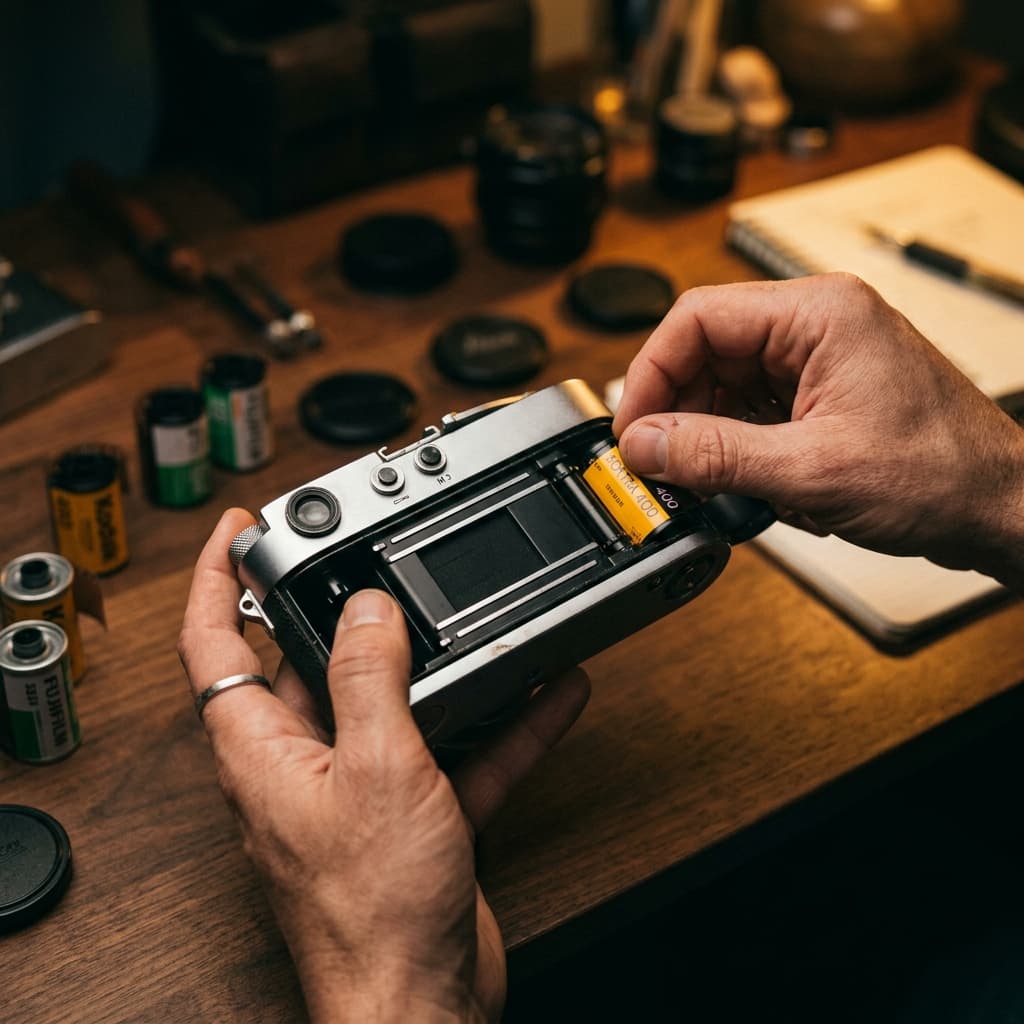
The Global
Analog Ecosystem
Find stores, labs & services worldwide, master your craft with precision tools, create your own events and join a brand new community created by film photographers for film photographers.
Download Now


Grainium
The Film Photographer's Companion
Welcome to the Community
Sign in to access your vault of favourite labs, stocks, camera gear, events, inspiration and more.

Discover
The world's most comprehensive film photography directory. Browse thousands of stores, labs, repair shops, and online retailers across the globe. Search by city, brand, or service type and get real-time stats on every listing.
Smart Filters
Filter by store type, film format, process type, brands stocked, mail-in service, and international shipping.
Live Stats
Real-time global inventory showing total stores, regions covered, and verified listing counts.
 Grainium
Cameratiks
Bayeux Photo
Analogue Wonderland
Sendean Cameras
West End Cameras
DiscoverMPB GmbH (Germany & EU)
Near Medi Verona
Nearby Spots
See AllCameratiks
Bayeux Photo
DiscoverNear Me
Find analog services around you. An interactive map centered on your location shows nearby film stores, labs, and repair shops with real-time pins. Tap any listing to see its full details, ratings, services offered, and directions.
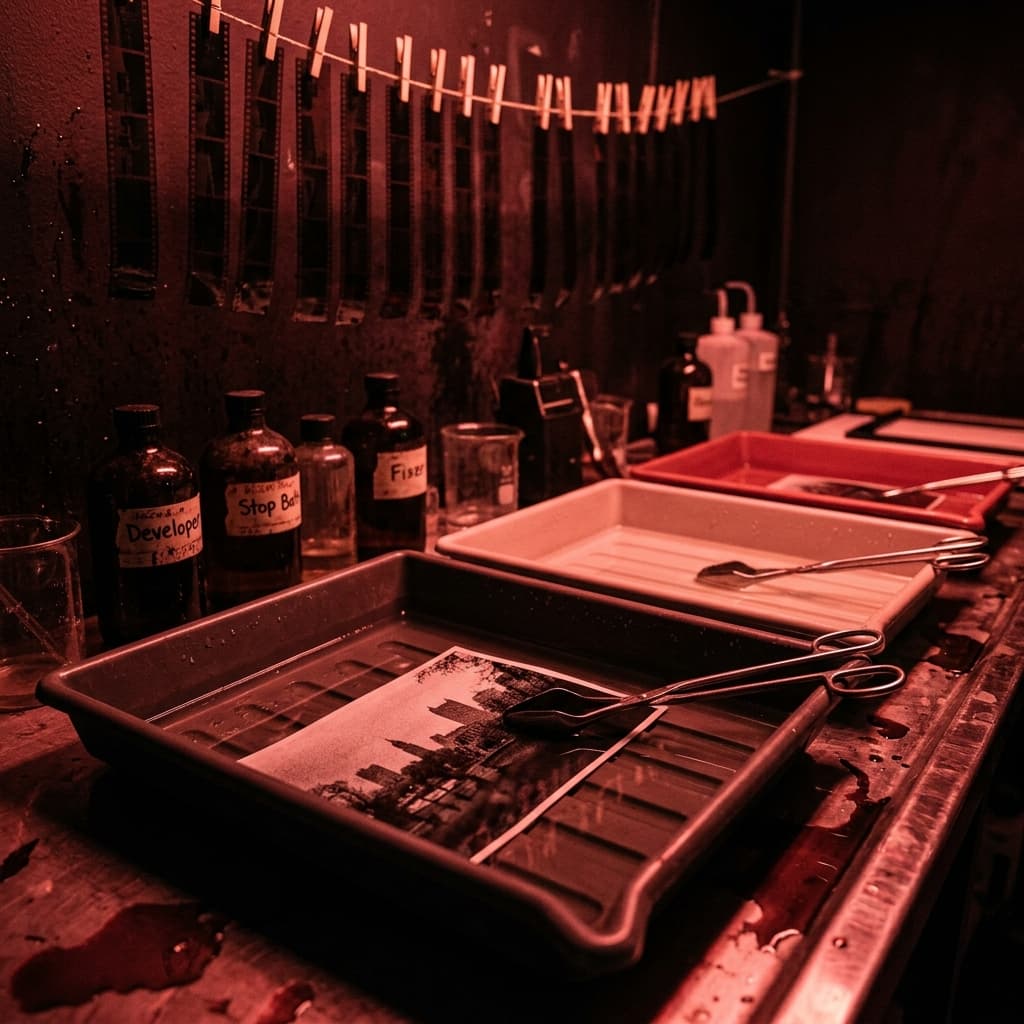
Community Gallery
Gallery


 Discover
Explore
Dive into a global archive of high-resolution film scans. Discover unique emulsion characteristics, experimental darkroom techniques, and rare camera/lens pairings. Use advanced search to filter by specific film stocks, formats, or process types to find technical inspiration for your next shoot.
Gallery

@analog.dreams Late night pushing HP5 to 1600. The contrast is unbelievable.
DiscoverFeed
A dynamic, personalised stream driven by your specific interests. Discover new work from photographers you follow alongside intelligently surfaced posts based on your recent searches, saved gear, and in-app activity. Every upload features comprehensive metadata—camera, lens, film stock, and location. Like, comment, or bookmark reference shots by adding them to one of your collections.
GalleryMy Mood Boards


Medium Format
42 Items


Cinestill 800T
18 Items


Studio Lighting
56 Items


Street Work
124 Items
DiscoverCollections
Curate and organise reference images for your upcoming photographic projects. Build dedicated mood boards for specific lighting setups, film stock comparisons, or location scouting. Save detailed metadata alongside the images to replicate development and pushing/pulling techniques in your own image making workflows.
Gallery
Elena Rostova
Analogue Portraiture & Zines


 Discover
Portfolio
A dedicated professional showcase, free from the noise of traditional social platforms. Present the images that best represent your photographic style. Highlight your images and expose them to a dedicated audience of peers, curators, and creators.
Many Features, One App
From saving your favorite stores to running your own film photography events, connecting with the local community, and reading in-depth editorial content — everything lives inside Grainium.

Favorites
Your personal shortlist of stores and labs. Save with a single tap, sync across devices, and see your favorites count in the tab bar badge.
Events
Create and manage your own events, or discover photo walks, gallery openings, darkroom workshops, and meetups. Buy and sell tickets directly in-app with integrated payments. Manage attendees and passes with QR check-in.
Blog
In-app editorial content featuring film stock reviews, technique guides, and community stories. Full-length articles with rich formatting, directly inside the app.
The Control Centre
ProfileDiscoverManage your entire workflow from one centralised hub. Catalog your cameras, lenses, and favourite film stocks. Access the precision utilities, create and manage your events, and keep your event QR passes organised and ready for scanning when you attend one of the events organised by other members of the community.
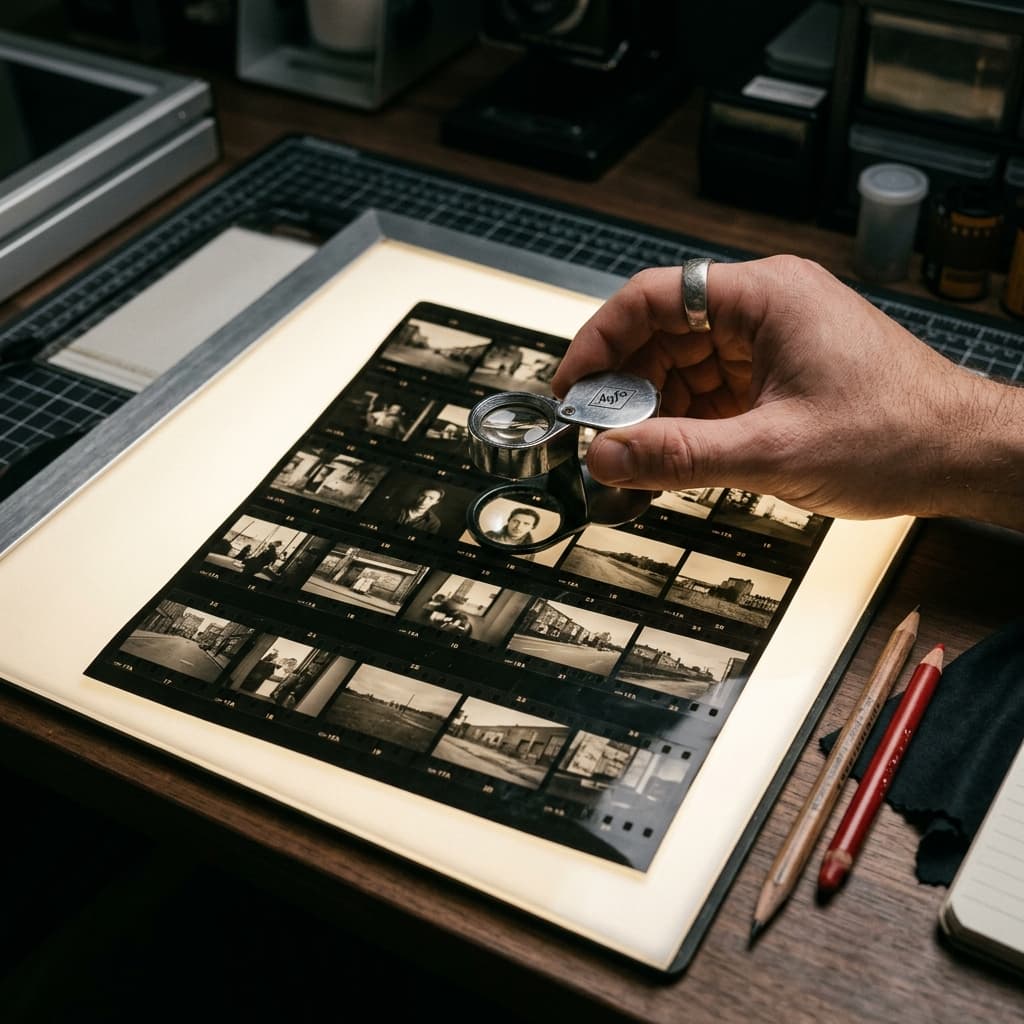
Your Own Personal
Photographic Assistant
AssistTo compensate for underexposing the film in the camera, you need to overdevelop it in the lab. This technique is called pushing the film. By leaving the film in the developer chemical for a longer period, you "push" the exposure index up to match how you shot it.
Here is exactly what you need to do:
If you use a photo lab: When you hand over or mail in your film, clearly write "PUSH +1" or "Shot at 800, please push one stop" on the canister and the order form. Most professional and indie labs offer this service, sometimes for a tiny extra fee.
If you develop at home: You will need to look up the adjusted development time for your specific film stock and developer combination. Websites like the Massive Dev Chart are perfect for this. You will simply search for your film at ISO 800 instead of 400 and follow the extended time instructions.
DiscoverGrainium Assist is trained extensively on film photography practices and processes. Ask for precise development times and chemical dilution recommendations, get suggestions for new film stocks based on lighting conditions, troubleshoot your home darkroom setup, and so much more.
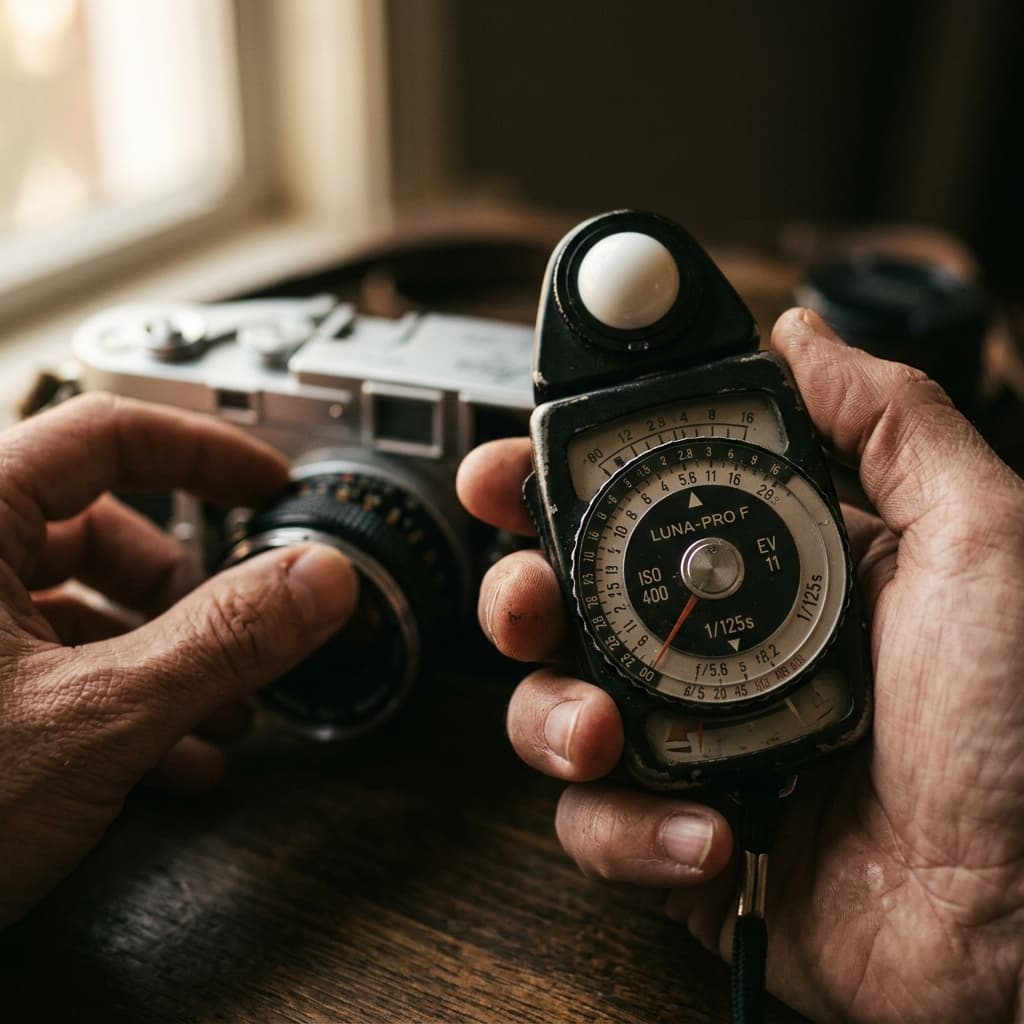
Precision Tools
Six precision utilities built directly into the app. Everything you need to help you measure expose, assist with development, and review your exposed negatives — accessible from your Profile under "My Tools".
Light Meter
Camera-based incident and spot metering. Set your ISO and get precise aperture and shutter speed readings using your device's camera sensor.
Zone Reference
A rangefinder that uses your device's motion sensors and live camera to measure subject distance and object height, with integrated depth-of-field calculations for focal length, aperture, and film format.
Dev Timer
Multi-step film development timer with a built-in database of developer times. Automated agitation interval reminders with haptic feedback to keep your hands free.
Colour Temp
Measure the colour temperature of ambient light using your camera. Determines the Kelvin value and suggests appropriate colour correction filters for your film stock.
Negative View
Real-time camera-based film negative viewer tool. Point your camera at developed negatives and take a picture using this tool to preview them as positive images before scanning.
Safe Light
Turns your device screen deep red to serve as a darkroom safe light during printing sessions. Adjustable brightness to protect your sensitive paper.